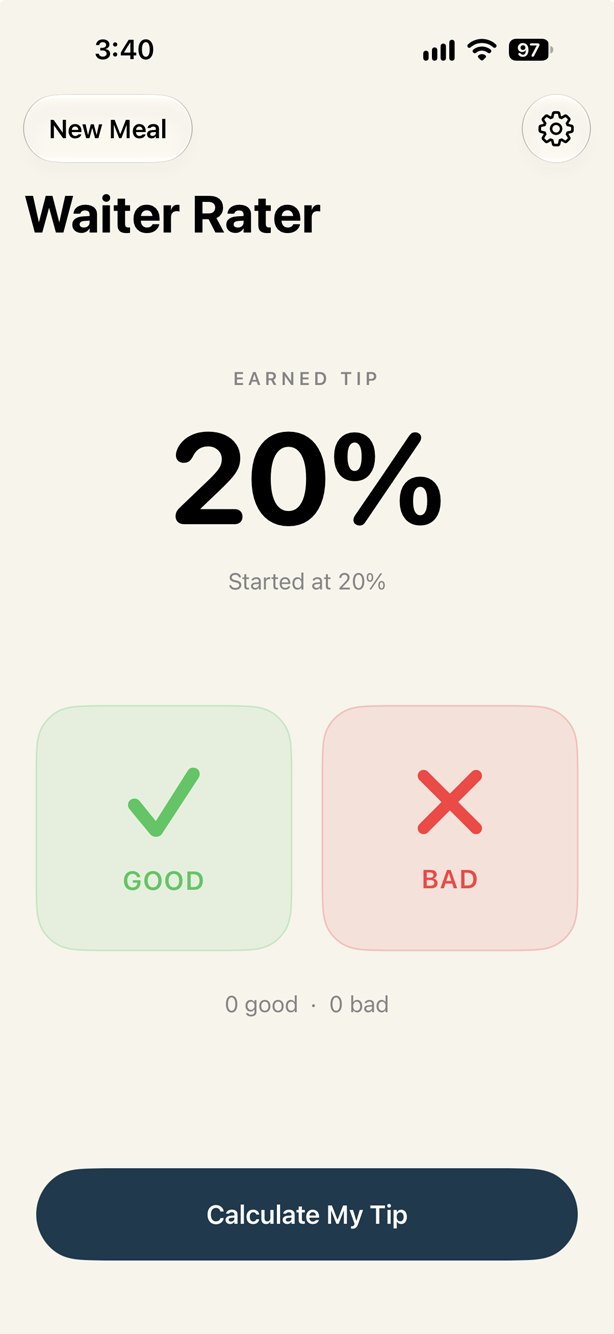
Rate the service
Start with your base tip and adjust the percentage during the meal.
Waiter Rater puts a simple twist on the traditional tip calculator: your server earns their tip.
Start each meal with your preferred tipping percentage. Tap GOOD when the service deserves recognition or BAD when it falls short. Each rating adjusts the earned tip by one percentage point.
When the check arrives, enter the bill and Waiter Rater calculates the tip and total using the percentage your server earned.
Features include:
Simple, quick, and designed to stay out of your way until you need it.

The app uses three simple screens: rate the service, calculate the bill, and choose a default tipping percentage.
Start with your base tip and adjust the percentage during the meal.
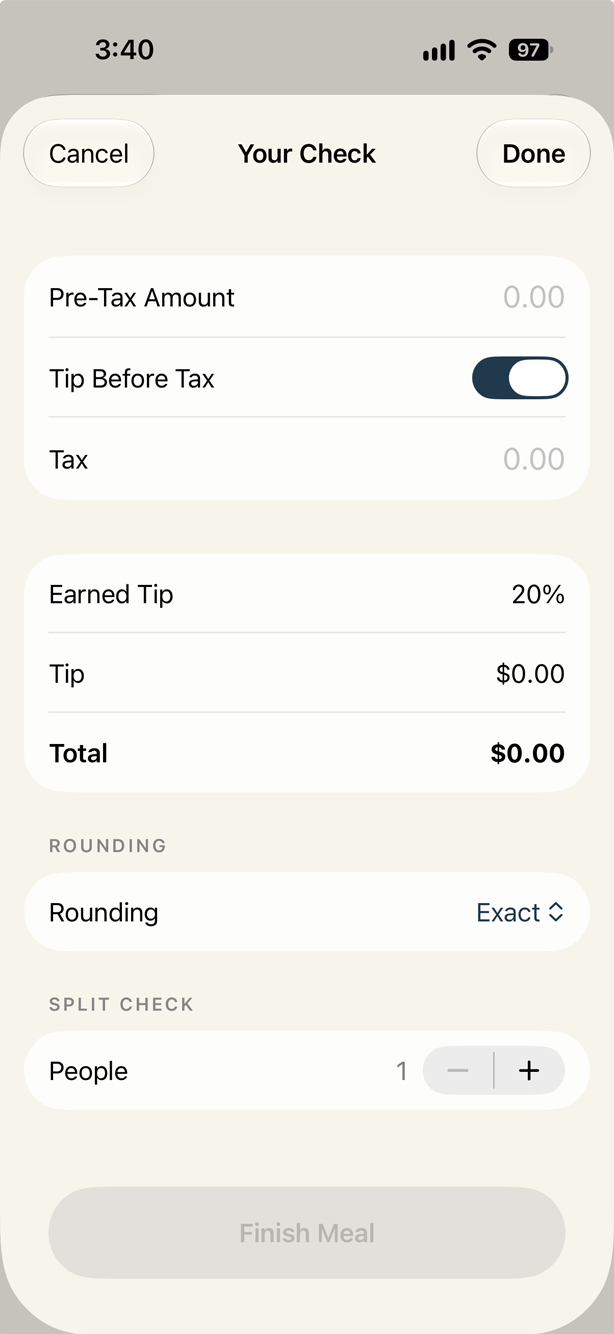
Enter your check information to calculate the tip and total using the percentage your server earned.
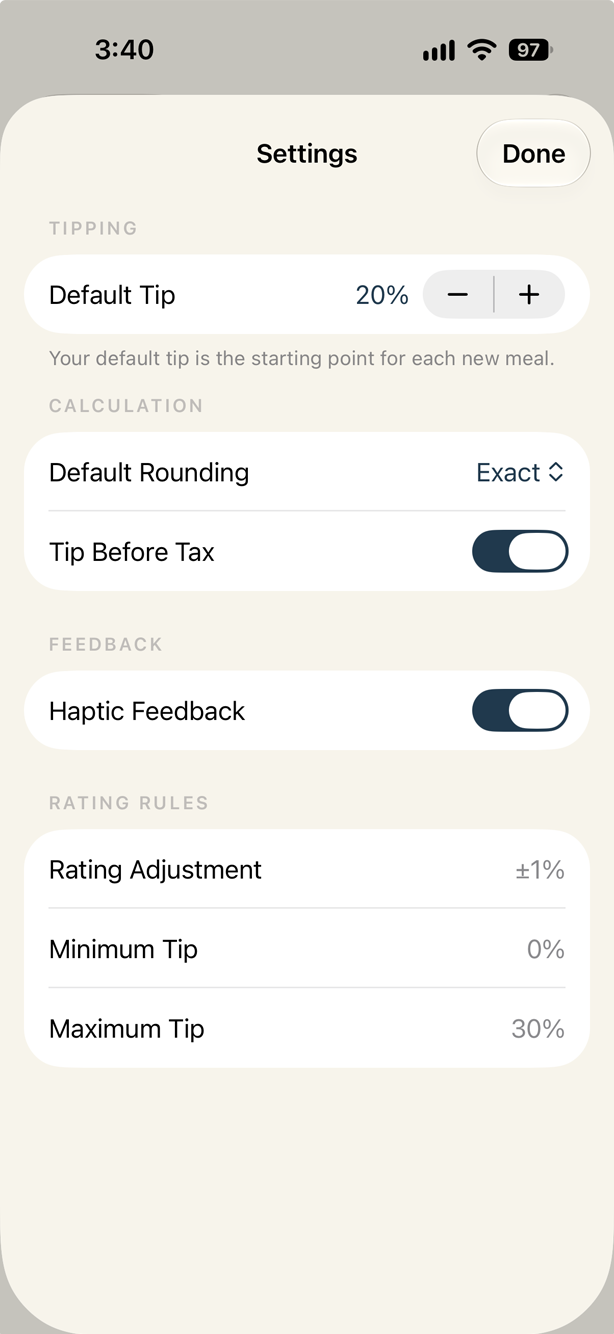
Choose and save the tipping percentage used as the starting point.